

How Outsourced AfterHours Tech Support Handle Weekend Emergencies Without Team Burnout
In the world of WordPress and managed hosting, emergencies don’t respect business hours. A client’s site goes down on Saturday night, a plugin conflict causes chaos on Sunday morning, or a security breach hits during a holiday weekend – and suddenly your small agency or hosting team is in crisis mode.
Without reliable after hours hosting WordPress support, the same people who handle weekday tickets end up working late nights and weekends – leading to burnout, mistakes, client frustration, and even lost accounts.
The goods news? You don’t have to accept this as “just part of the job.” With the right systems, processes, and support partners you can handle weekend emergencies effectively – and protect your team’s well-being at the same time.

Why Weekend Emergencies Are So Common (and So Stressful)
Small-to-medium agencies and hosting providers (5-30 people) face these realities:
- Client sites run 24/7 – e-commerce stores, membership sites, and business portals can’t go offline
- Most support teams work 9-5 – only 1-3 people, no night/weekend shifts
- Emergencies spike on weekends – hackers target off-hours, plugins break during updates, traffic surges happen when no one is watching
- Burnout is real – Constant “on-call” duty leads to exhaustion, errors and high turnover
The result? Stressed teams, unhappy clients, and agencies that hesitate to take on more weekend-heavy work.
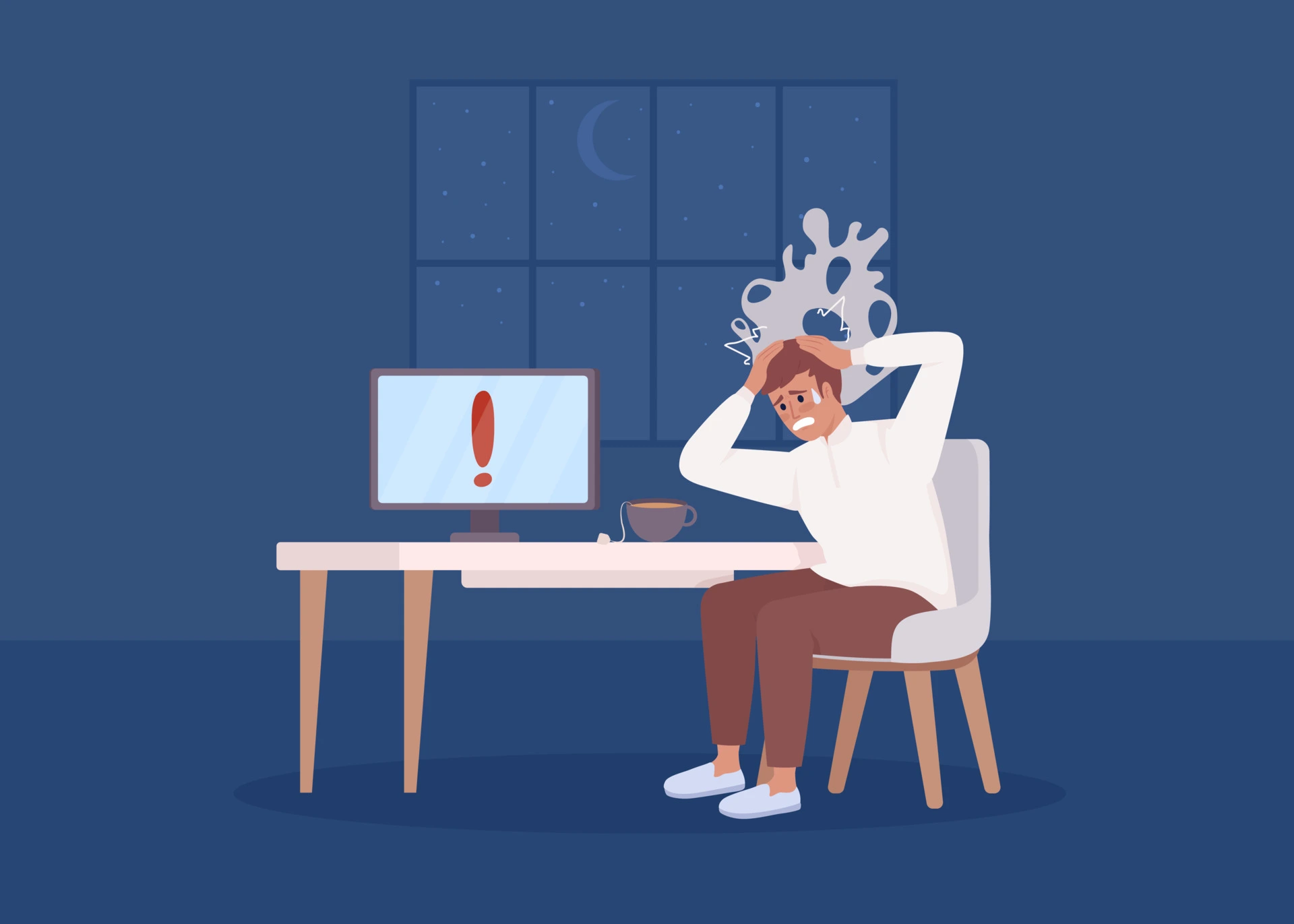
5 Practical Strategies to Handle Weekend Emergencies Without Burning Out
Here’s how to manage after hours hosting WordPress support effectively – even with a small team.
1. Set Clear Emergency Response Protocols (Internal)
Define what counts as an “emergency” (e.g., full site down, security breach, major revenue loss) and create a simple escalation checklist :
- Level 1: Client reports issue → first response within 30 min (automated email/Slack)
- Level 2: Site down or hacked → senior tech notified within 1 hour
- Level 3: Critical revenue or reputation risk → escalate to owner or partner (e.g., Vynvex)
Document this in our team handbook – it reduces panic and speeds up decision-making.
2. Use Smart Monitoring & Alerting Tools
Prevent emergencies from becoming disasters with proactive tools :
- UptimeRobot or Pingdom – monitor site availability every 5 minute, alert via Slack/email/SMS
- Wordfence or Sucuri – real-time security monitoring with instant alerts
- Query Monitor (free plugin) – detect slow queries or errors before they crash the site
When alerts come in at 2 AM, you can decide quickly: handle it yourself or escalate to your after hours hosting WordPress support partner.

3. Automate Routine After-Hours Tasks
Offload repetitive work so emergencies get priority:
- Auto-backups (UpdraftPlus, BackupBuddy) – daily + real-time
- Auto-updates for non-critical plugins (MainWP or InfiniteWP)
- Staging site snapshots – quick rollback if an update breaks something
This frees up your team (and any after-hours partner) to focus on real fires.
4. Partner with a Reliable White-Label After-Hours Provider
This is the game-changer for most small teams.
A good partner (like Vynvex) handles the heavy lifting :
- Full weekend coverage (up to 12hrs/day on Sat/Sun)
- Works in your system (WHMCS, HelpScout, Zendesk)- white-label
- Quick fixes for cPanel, WordPress, DNS, hosting, basic Linux/SSH
- Daily summaries so your stay informed
- Affordable – $399/mo vs $800 + from premium providers
Best part: Start with a Free Trial Day – a full weekday/weekend shift, no payment, no commitment – to test the service risk-free.
5. Build Client Expectations & Communication
Set realistic boundaries:
- Website disclaimer: “Standard support 9-5 weekdays; after-hours emergencies handled via our trusted partner”
- Automated out-of-office reply: “We’ll respond within 1 hour for emergencies – thank you for your patience!”
- Proactive client education: Share blog posts like this one to explain why weekend coverage matters
Clients appreciate transparency – and they stay happier when issues are resolved fast

The Bottom Line
Weekend emergencies are inevitable in WordPress and hosting – but they don’t have to destroy your team’s well-being or your business.
With clear protocols, smart monitoring, automation, a trusted white-label partner, and client communication, you can handle after hours hosting WordPress support effectively – and even turn it into a competitive advantage.
Ready to see what real weekend coverage looks like?
Vynvex offers a completely free trial day – up to 12 hours of real support on a Saturday or Sunday. No payment, no commitment – just proof we can help.
Let us keep your clients online while you focus on what your do best.
Questions? Feel free to reach out – we’re here to help
#AfterHoursHostingWordPressSupport #WordPressSupport #WebHosting #AgencyLife #WhiteLabelSupport

Shonal Imbulgoda
Managing Director Vynvex Technologies Ltd.