WordPress Security Practices Your Need in 2026
WordPress powers more than 43% of the internet in 2026, making it a prime target for hackers. Brute-force attacks, malware injections, and zero-day vulnerabilities are increasing — especially on weekends when many agencies and hosting providers have limited staff.
For small-to-medium agencies and hosts, a single security breach can mean lost client data, defaced sites, dropped rankings, and expensive recovery. The good news? Most breaches are preventable with the right security best practices.
Here are the essential WordPress security best practices every agency and hosting provider should follow in 2026.
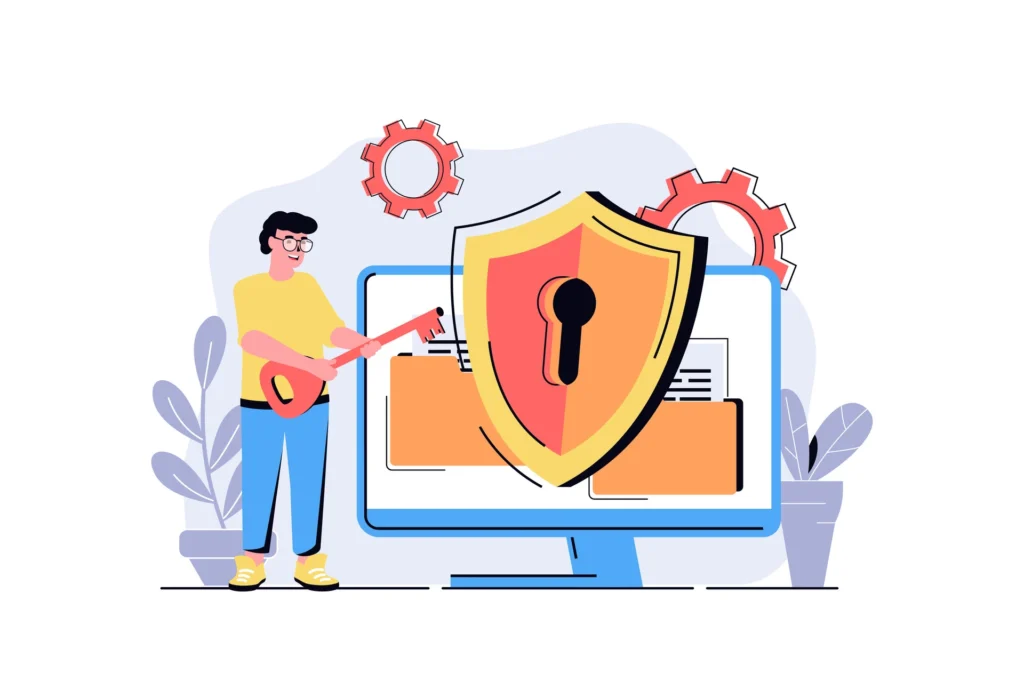
Top WordPress Security Threats in 2026
- Sophisticated brute-force and credential stuffing attacks
- Malware hidden in outdated plugins and themes
- Supply-chain attacks targeting popular plugins
- Increased exploitation of misconfigured servers and weak permissions
- Weekend attacks when response times are slowest
If you’re still relying on basic hosting firewalls and occasional manual checks, you’re leaving your clients vulnerable.
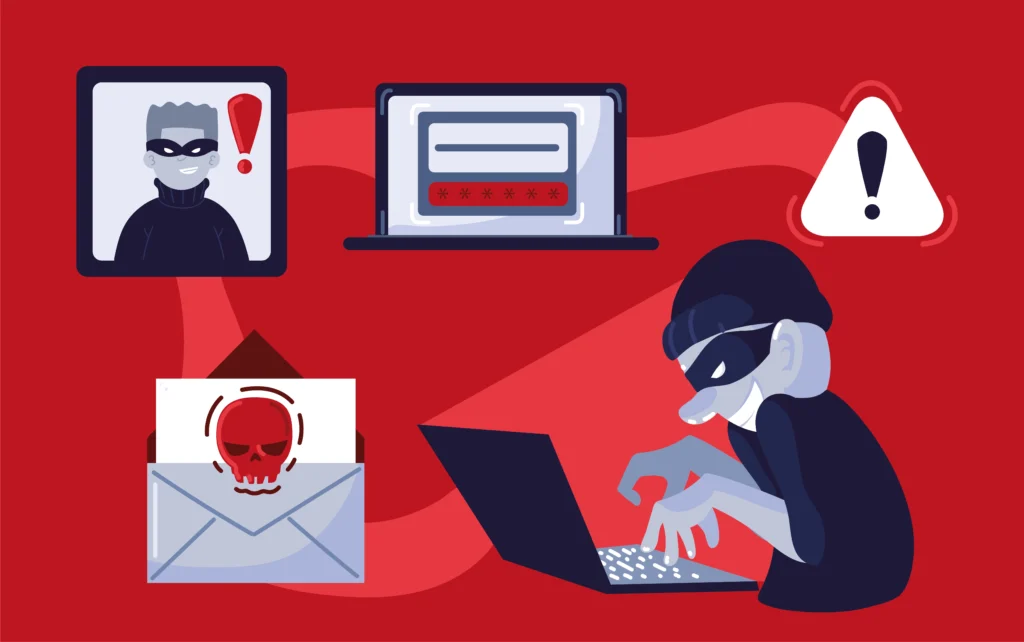
Essential WordPress Security Best Practices For 2026
- Keep Everything Updated : Always run the latest versions of WordPress core, themes, and plugins. Enable auto-updates for minor versions and security releases.
- Use Strong Access Controls : Enforce strong passwords, two-factor authentication (2FA) for all admin users, and limit login attempts. Disable XML-RPC if you don’t need it.
- Implement Proper File Permissions : Set folders to 755 and files to 644. Never use 777 permissions on a live site.
- Install a Security Plugin : Use Wordfence, Sucuri, or Solid Security. Enable firewall, malware scanning, and login protection features.
- Regular Backups & Monitoring : Schedule daily backups (stored off-site) and use monitoring tools for uptime and security alerts.
- Use a Web Application Firewall (WAF) : Cloudflare or a plugin-based WAF adds an extra layer of protection against common attacks.
- Harden Your Server : Disable directory browsing, hide version numbers, and use security headers (X-Frame-Options, Content-Security-Policy, etc.).
Following these practices dramatically reduces risk — but even the best setups need reliable after-hours response when something slips through.
How Vynvex Helps You Stay Secure
We built Vynvex to complement your security setup with professional after-hours support:
- Weekend monitoring and rapid response (up to 12 hours)
- White-label ticket handling in your system
- Fast malware cleanup, patching, and hardening
- Secure credential handling (encrypted, deleted after use)
- UK-registered and ICO compliant
You get peace of mind without building an expensive 24/7 team.
Book Your Free Trial Day
Final Thought
WordPress security in 2026 is not a set-it-and-forget-it task. Following strong best practices + having reliable after-hours support is the winning combination for agencies and hosting providers who want to protect their clients and reputation.
Ready to add professional weekend security coverage? Book a Free Trial Day — up to 12 hours of live after-hours WordPress security support on Saturday or Sunday. No payment, no obligation.
What’s your biggest WordPress security worry in 2026? Reach out to us – we are more than happy to help.
Want to know more about signs your business might show when you need after hours support ? Click Here →
#WordPressSecurity #CyberSecurity #WebHosting #AfterHoursSupport #AgencyLife #WhiteLabelSupport